

Note: Cloning a report will consume one of your report credits.
Step 1: Navigate to the Client
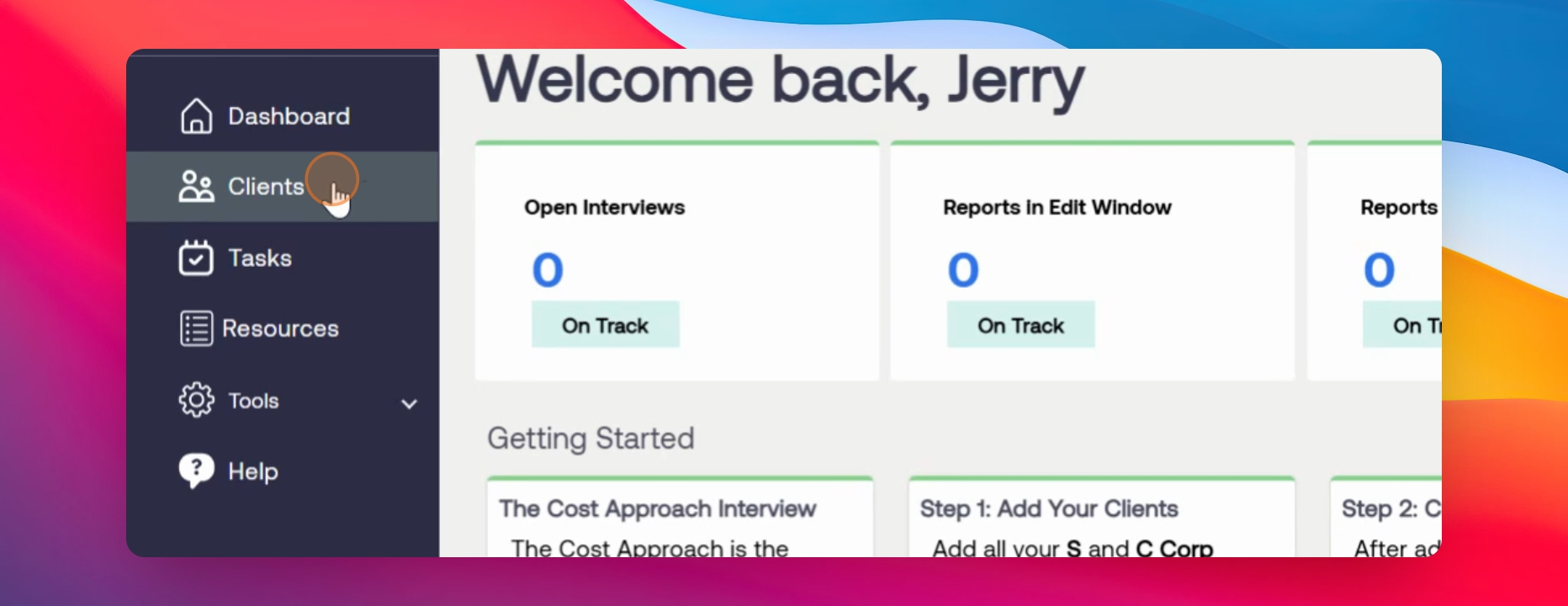
Go to the sidebar and select Clients.
Step 2: Locate Report to Clone
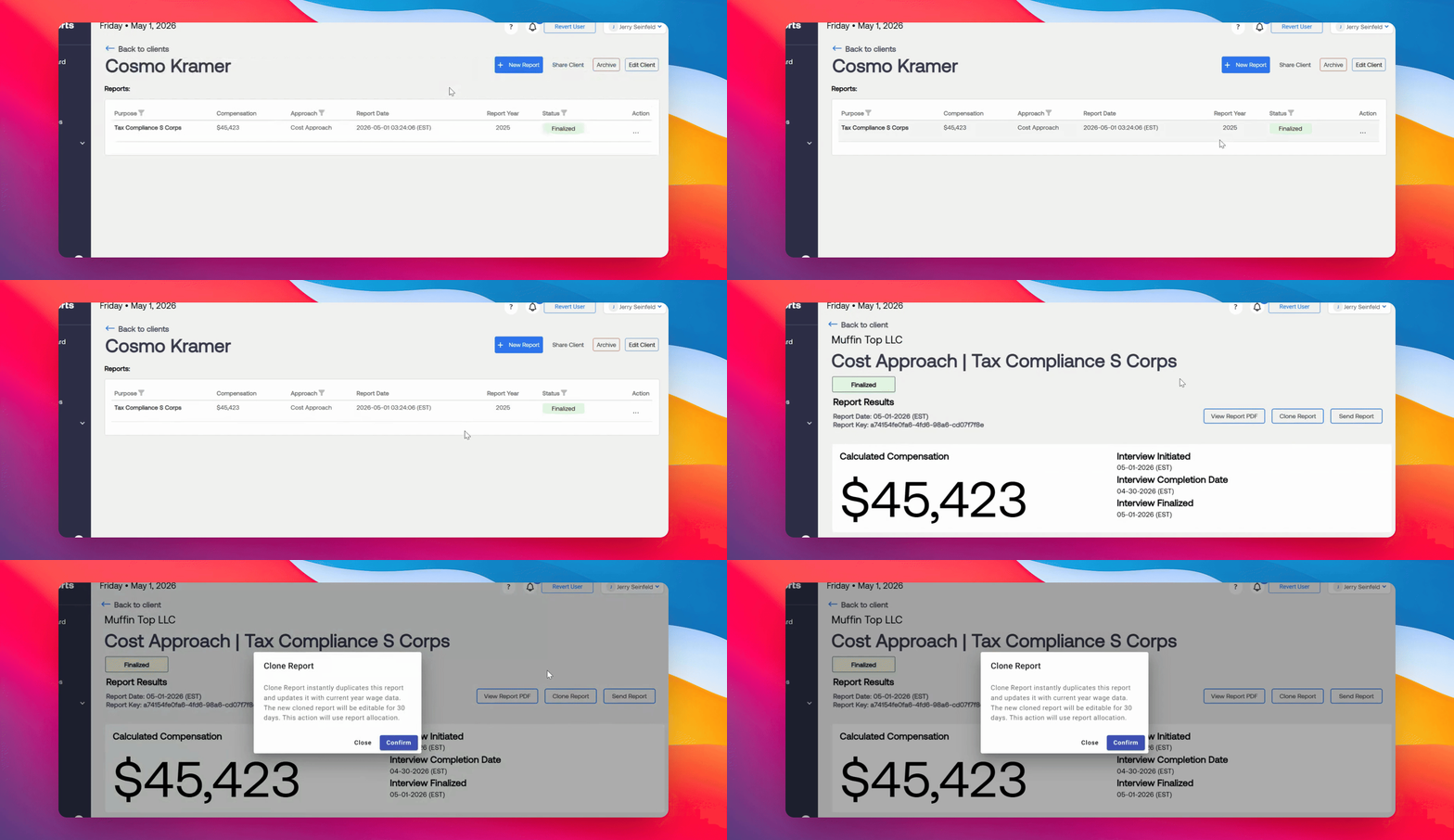
Select the client and the report from a previous year that you want to clone.
Step 3: Clone the Report
Select Clone Report.
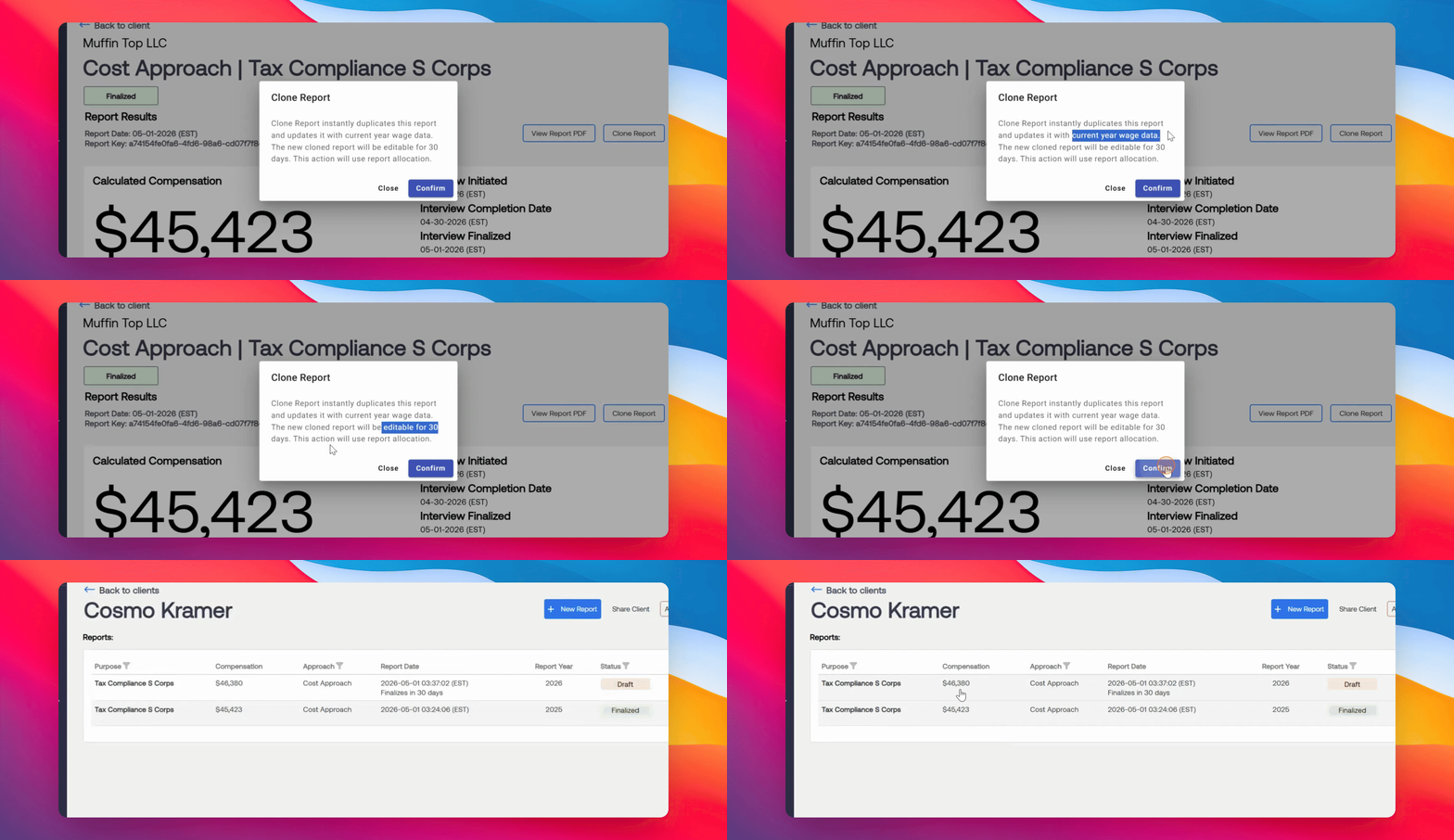
A pop-up will then appear stating that the cloned report updates with current year wage data and is editable for 30 days. Click Confirm to proceed.
The Cloned Report will appear with the adjusted compensation for the current year.
Step 4: Open and Review Interview
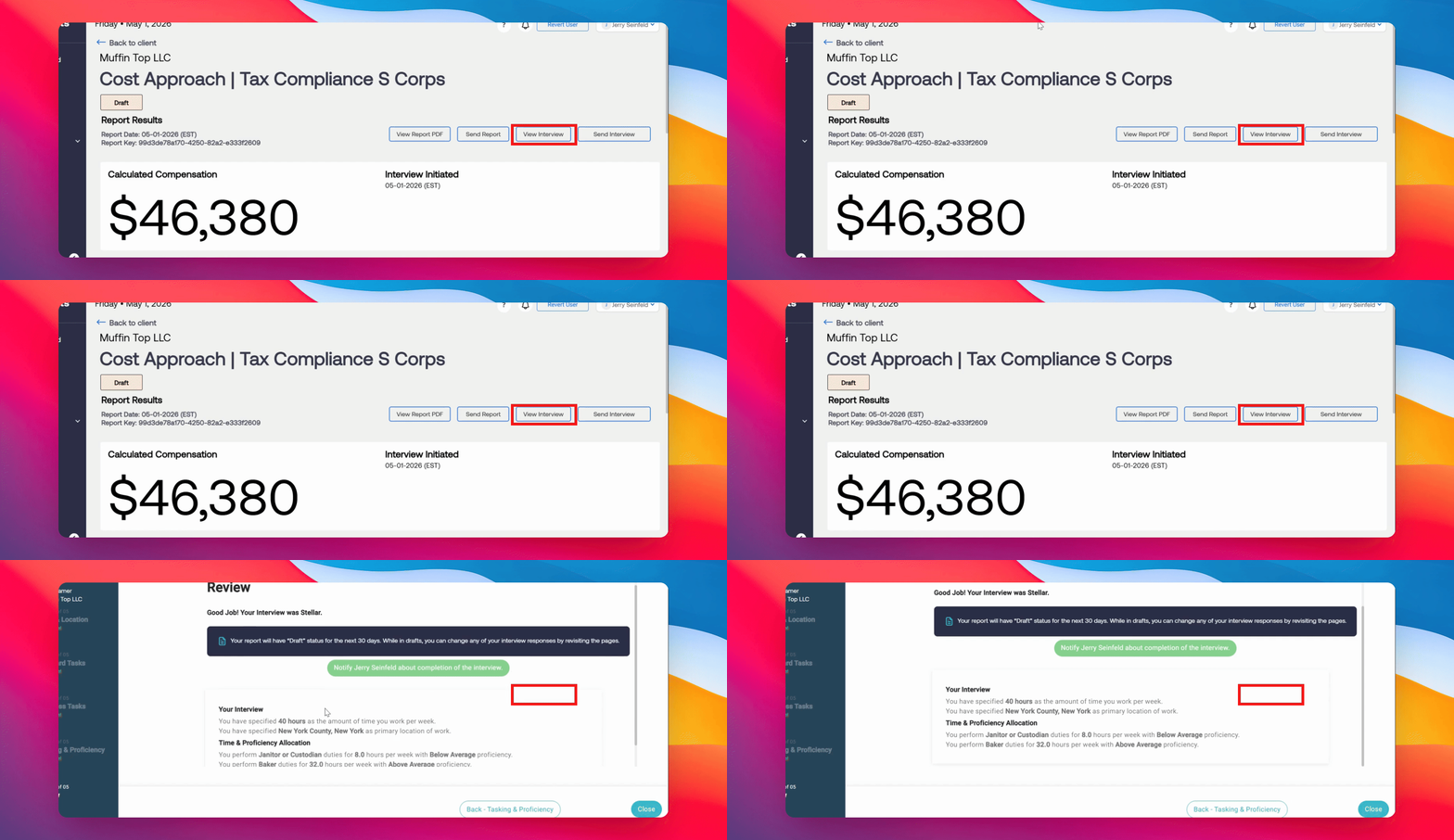
Open the cloned report. Before finalizing, you must first review the interview section to confirm all details are correct, including hours, location, tasks, proficiency, and time spent on each task for the current year.
Note: A worker's responsibilities and performance often change year to year. Make the appropriate adjustments in the client interview page.
Step 5: Finalize the Report
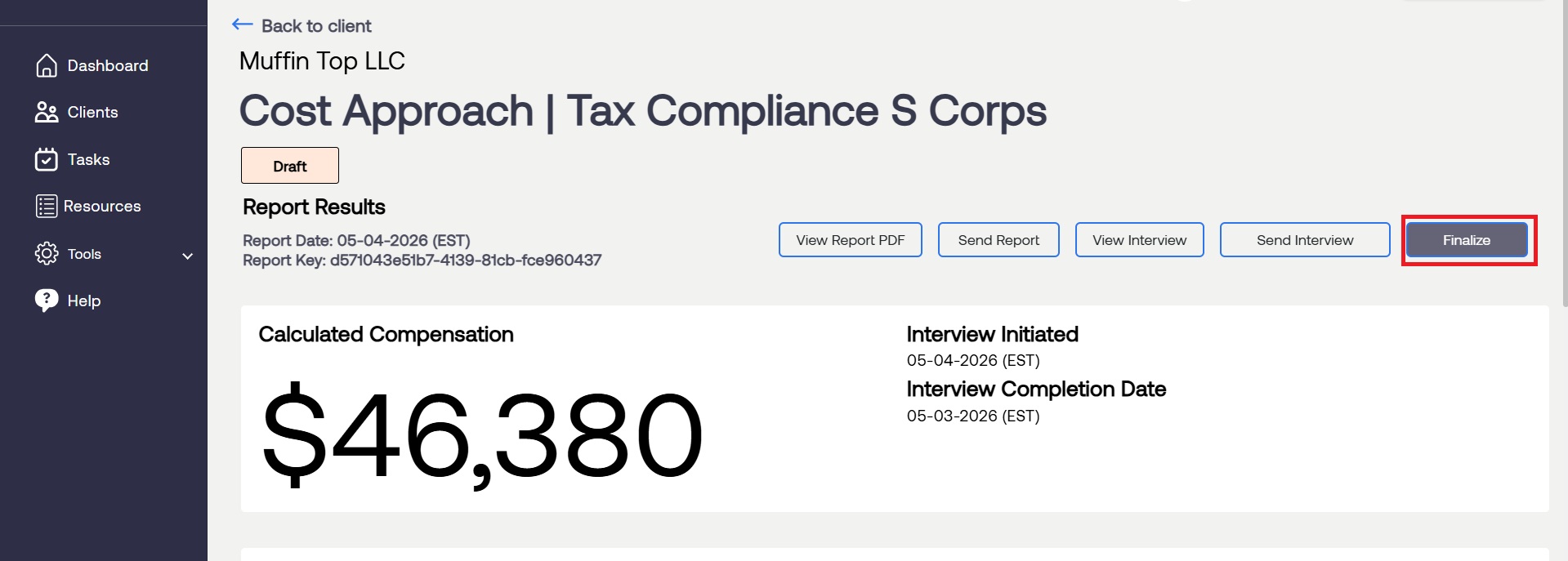
Click on the draft report again and select Finalize. Confirm your choice in the pop-up box to complete the process.
For questions or concerns, contact RCReports at 720-279-8800 or support@rcreports.com