

Note: CYA Reports are only available to Professional and Enterprise Subscribers.
Step 1: Begin a New Report
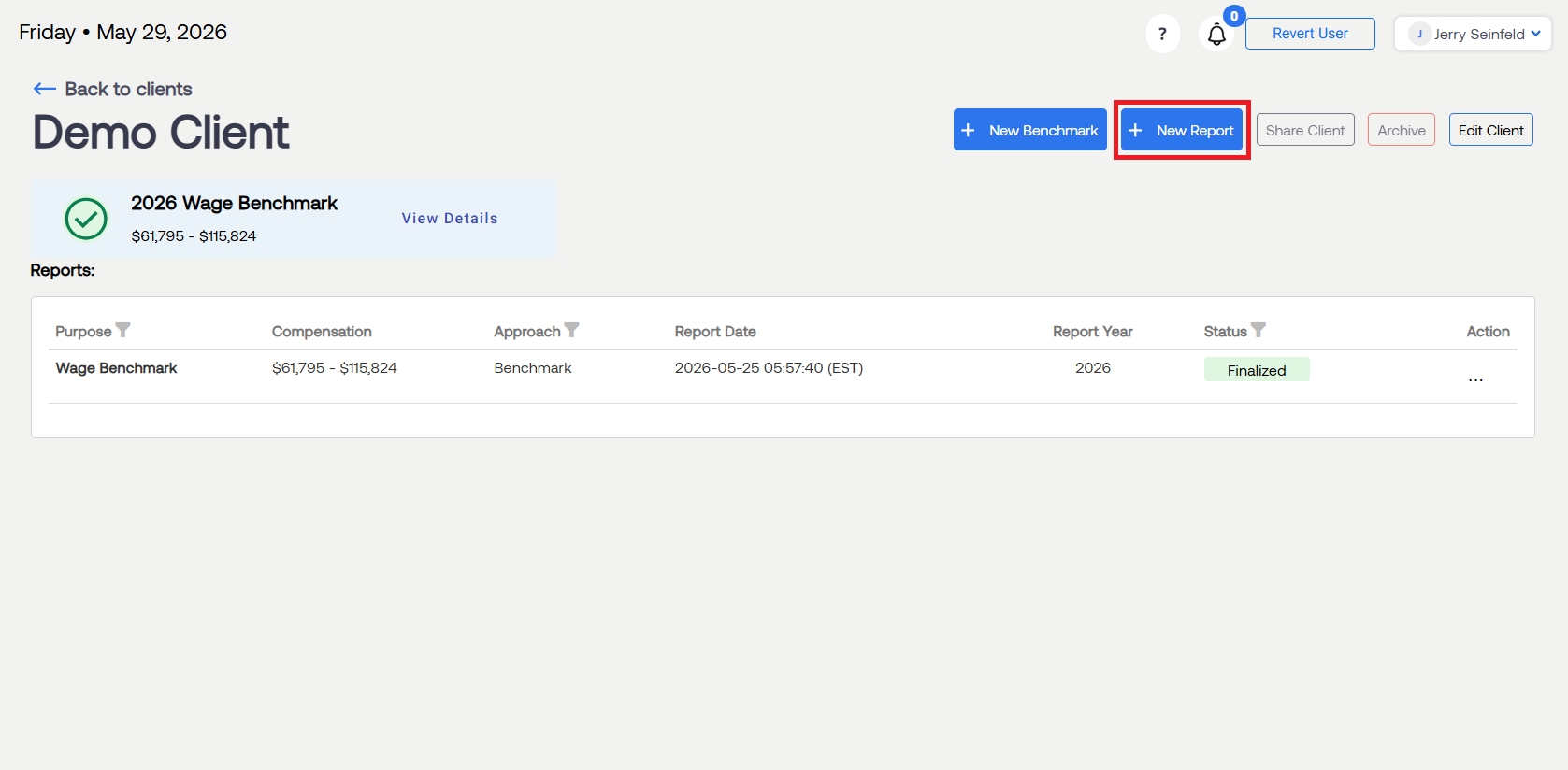
From the client list, select the desired client and start a New Report
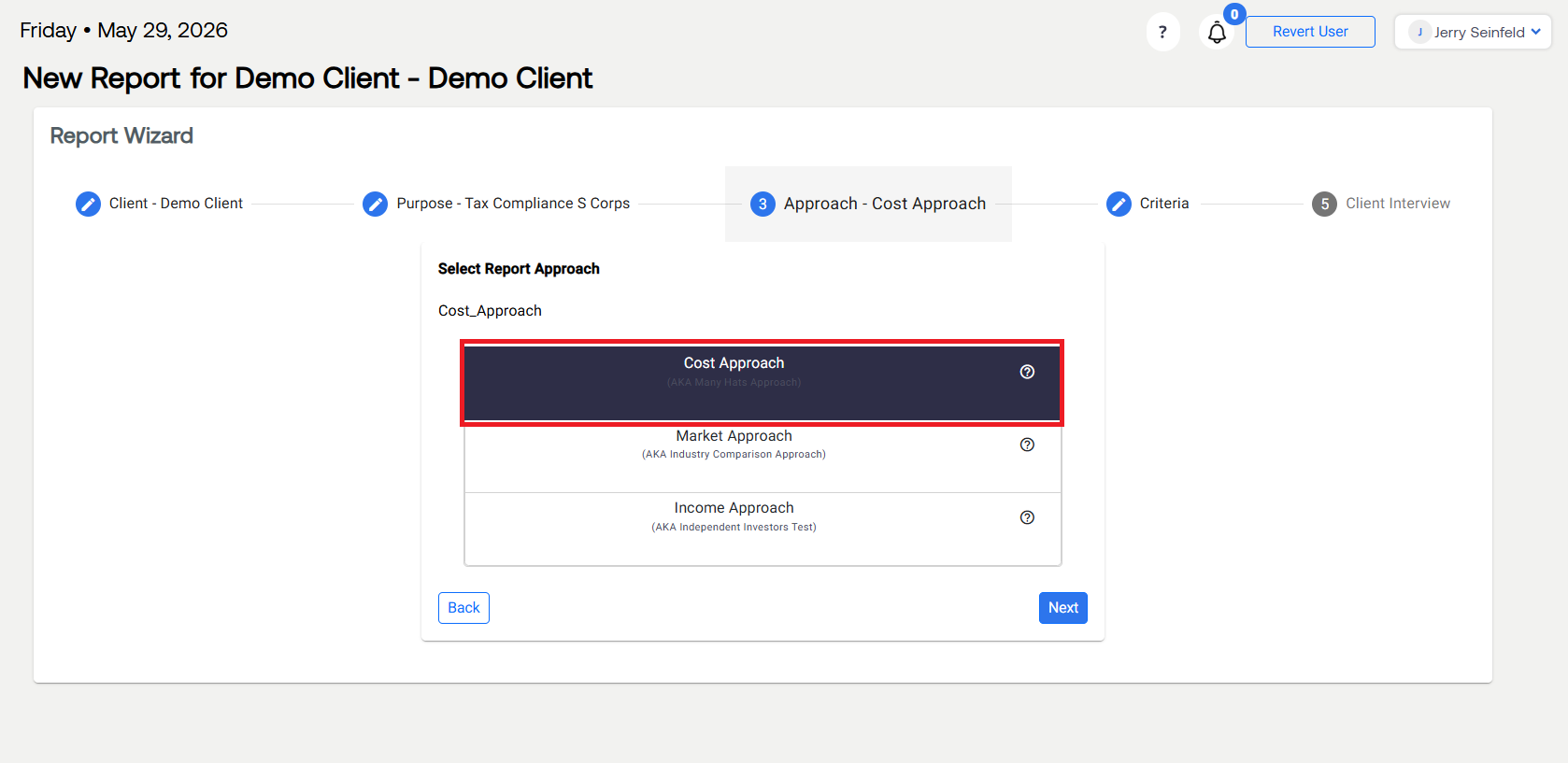
When prompted to select a Report Approach, select Cost Approach
Note: Only a Cost Approach report is eligible to be used as a CYA report.
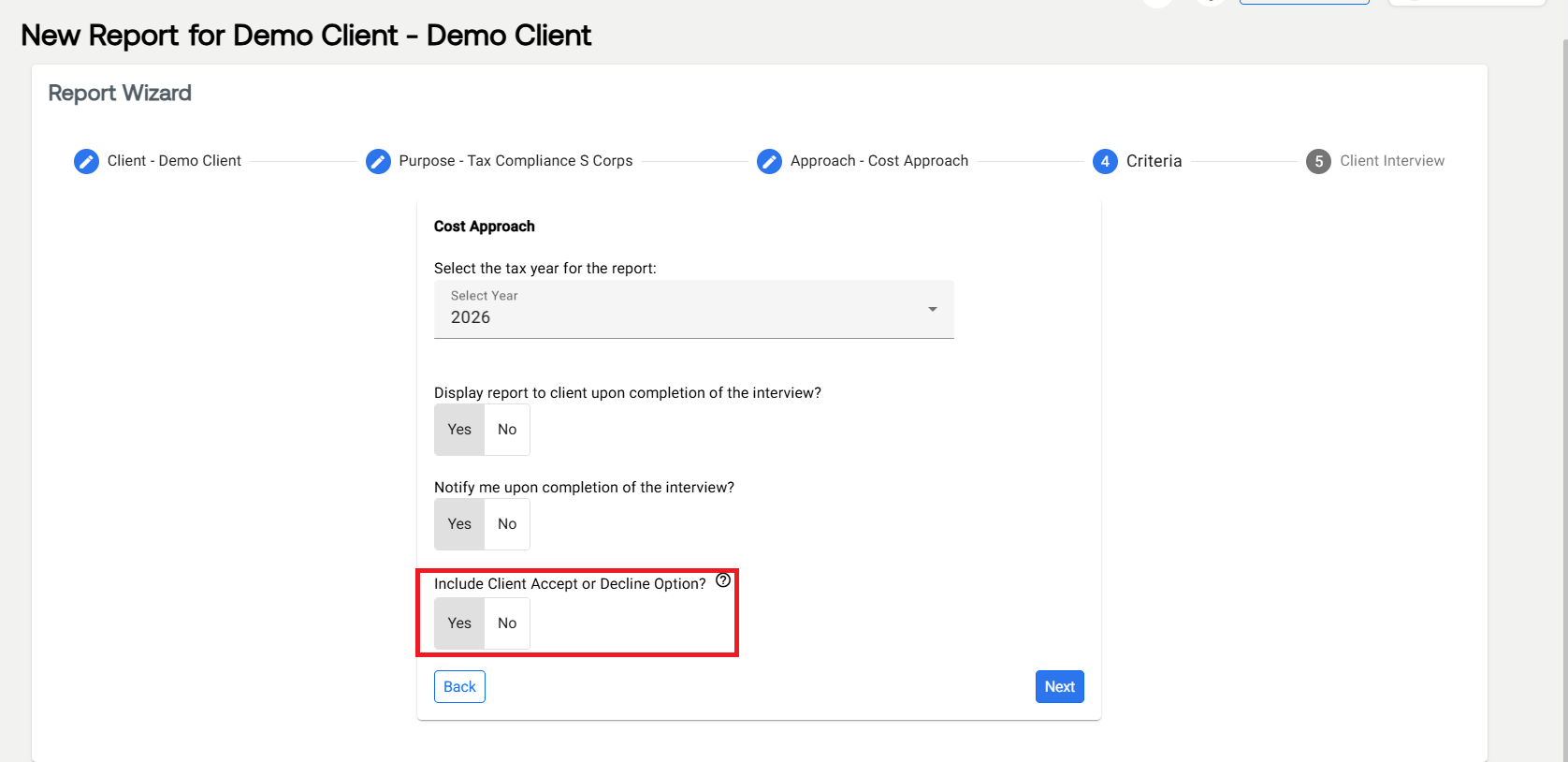
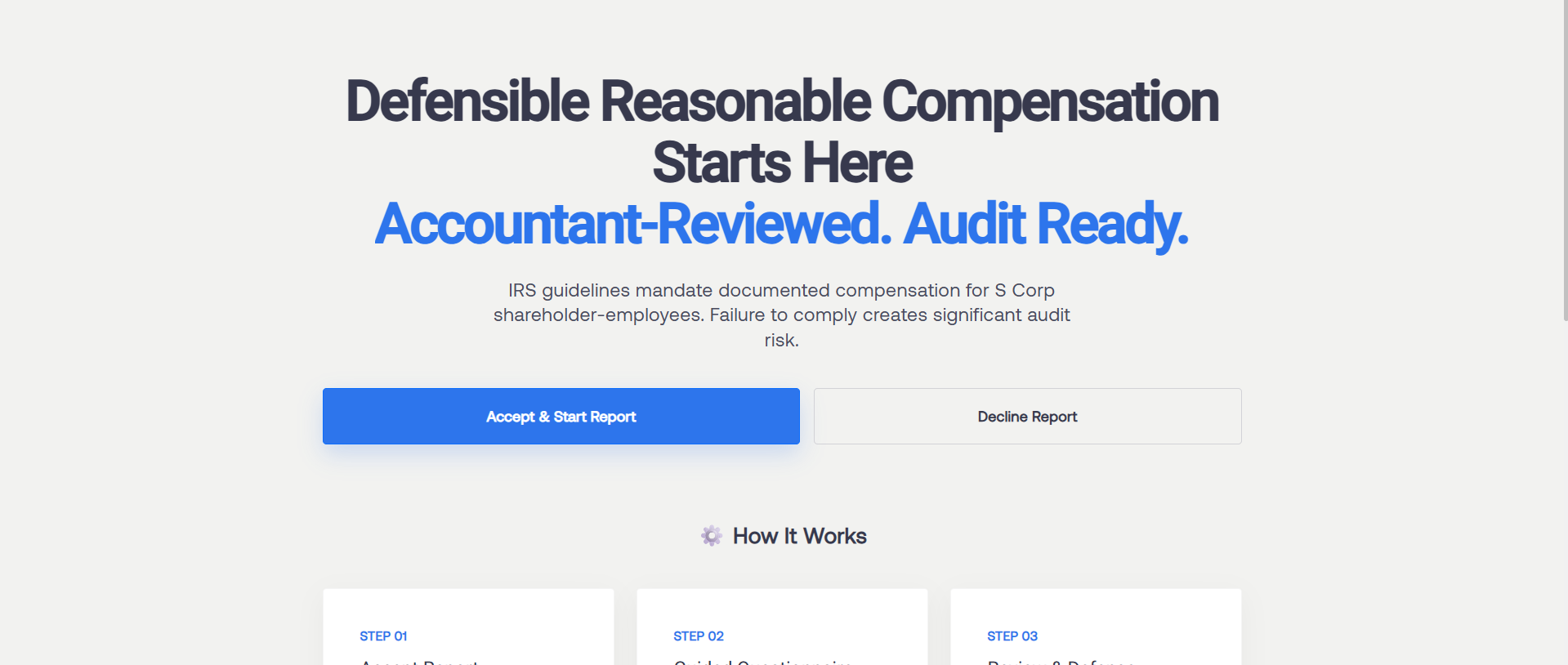
On Step 4, select Yes under "Inclue Client Accept or Decline Option?"
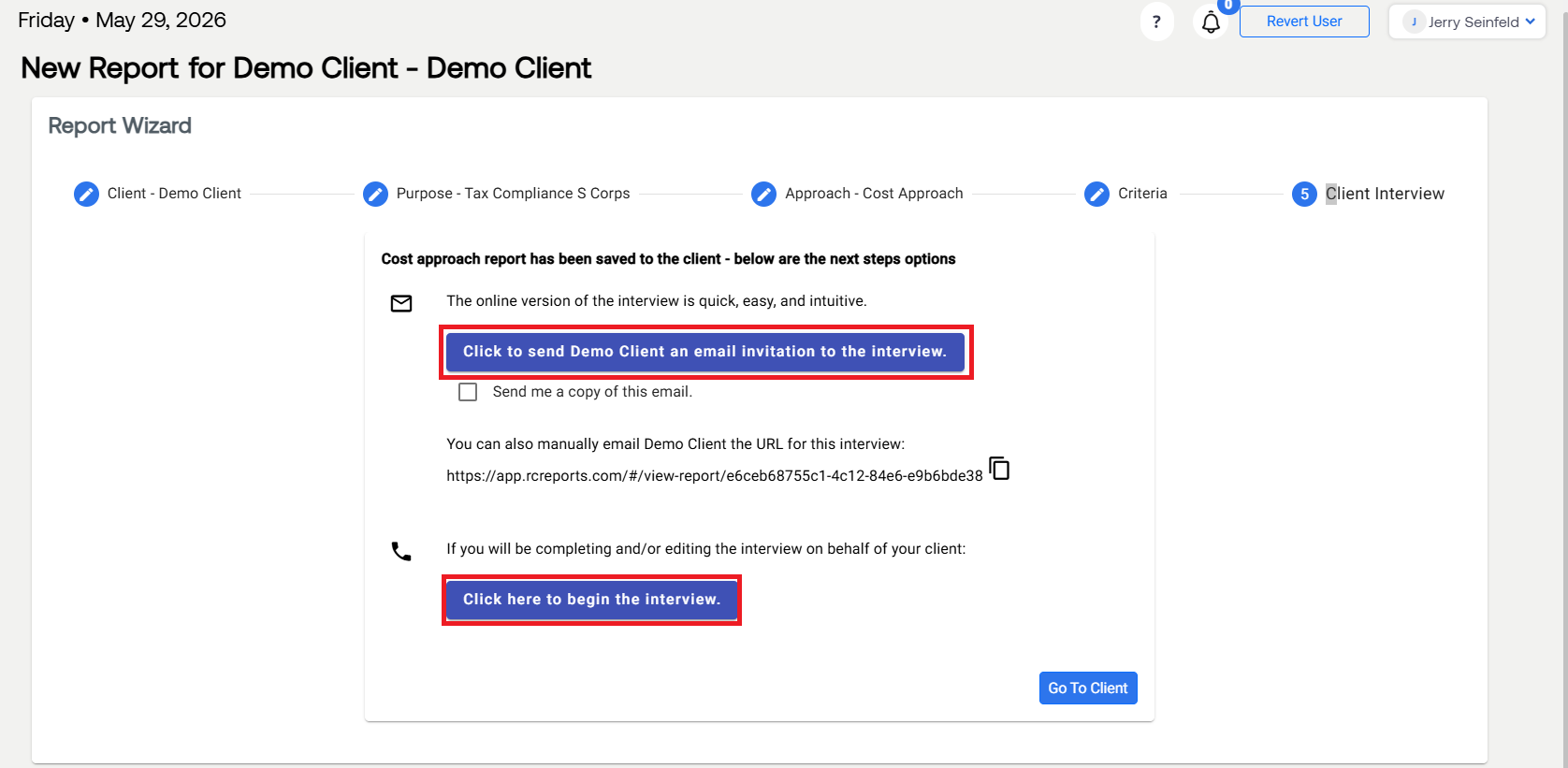
If your client desires to complete the CYA Report themselves, select:
"Click to send [Client Name] an email invitation to the interview".If your client has already communicated their choice and you wish to complete the CYA Report yourself, select "Click here to begin the interview".
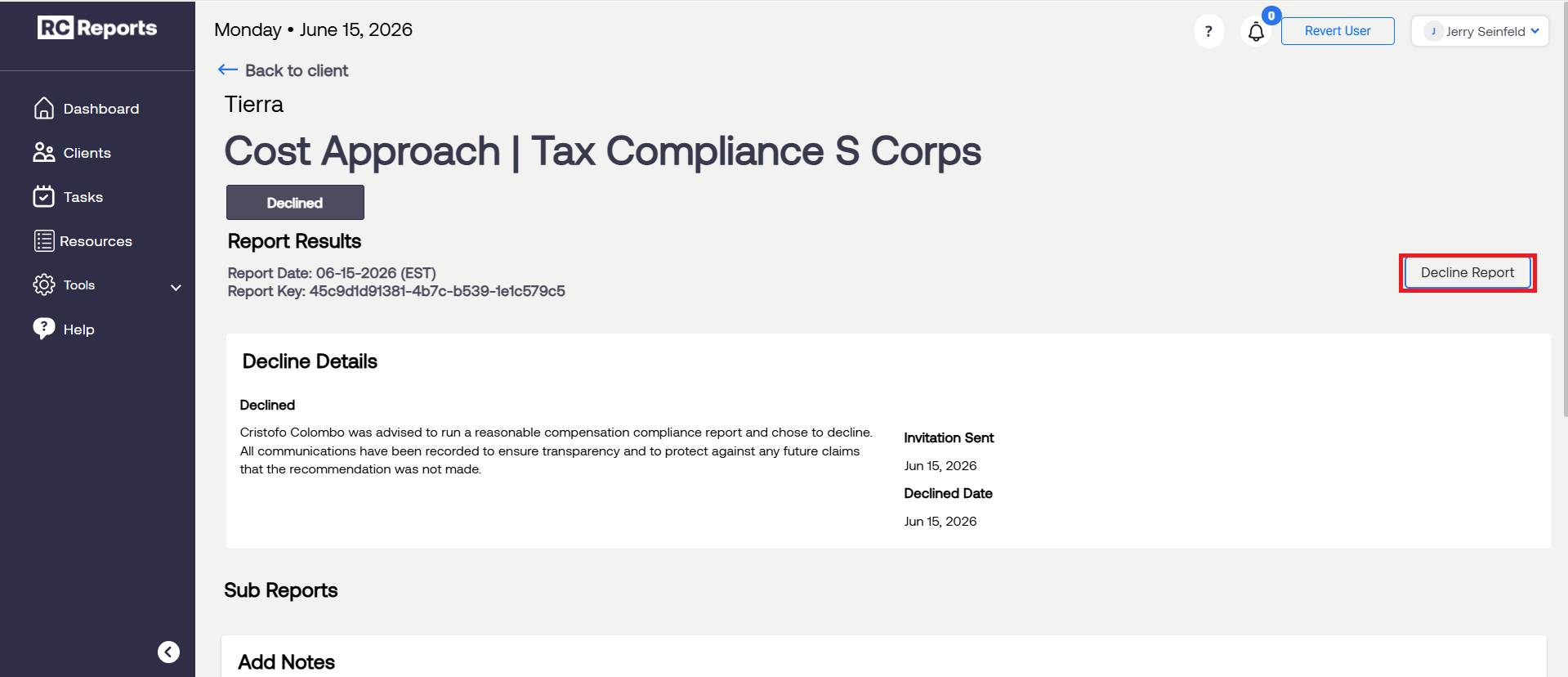
To access the Decline Report PDF, select on the client from your Client List, open the report, and select Decline Report.
For questions or concerns, contact RCReports at 720-279-8800 or support@rcreports.com