

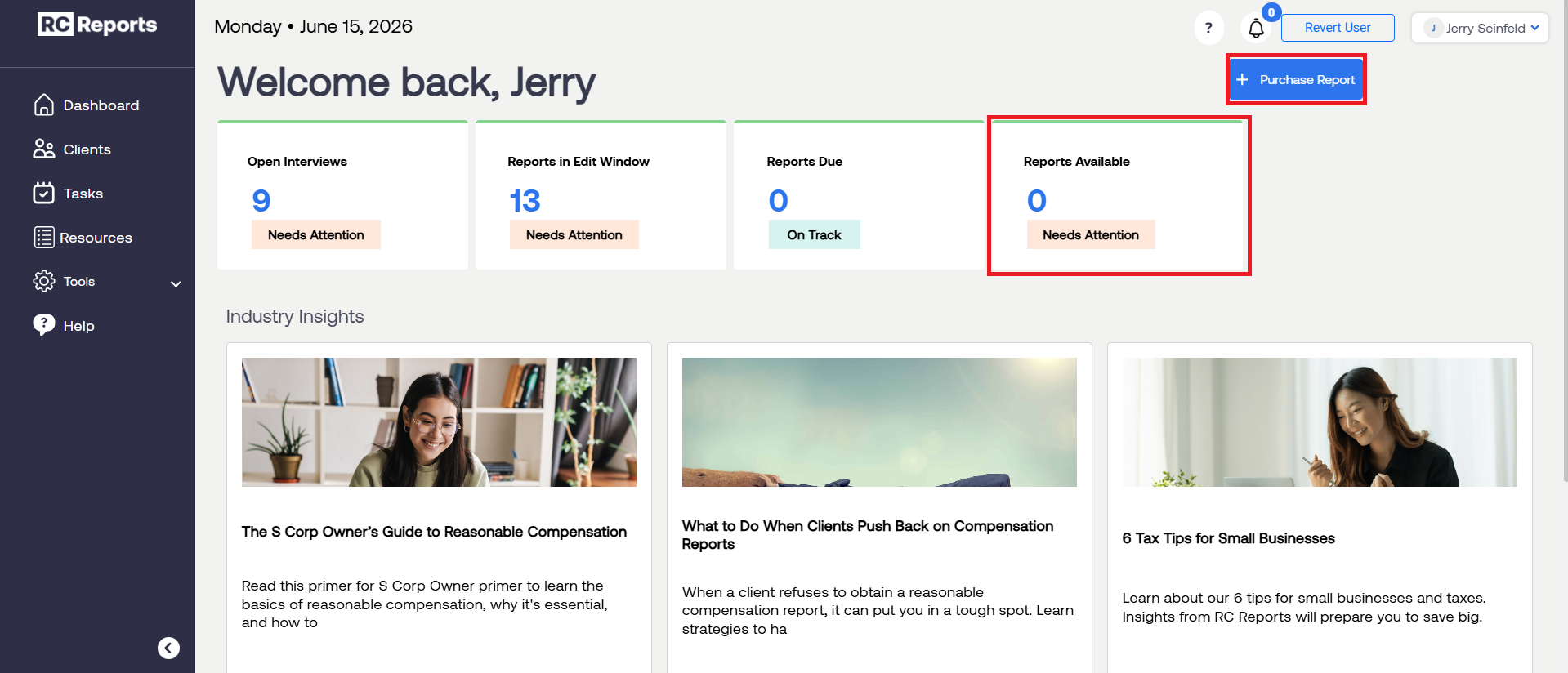
If you run out of Reports or Clients, you can purchase more by clicking Purchase Report or Purchase Client.
Discounts are available for purchasing more than one Report or Client at the same time.
For "Reports Available" Customers:
Select "Purchase Report" to input the number of reports you want to buy.
Use the "-" and "+" icons to change the number of reports you'd like to buy.
Note: Buy More, Save More. The more reports that are purchased in a single transaction the higher the overall savings.
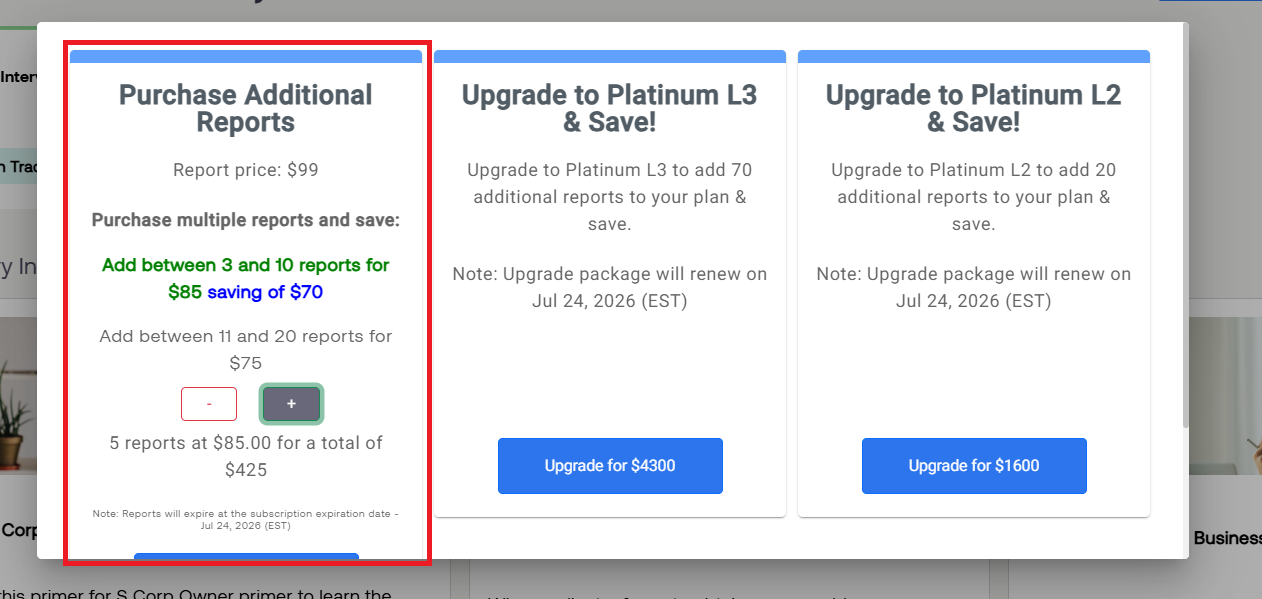
Select the blue "Buy Now" box to complete the purchase