

First, select the client and report that has the open client interview.
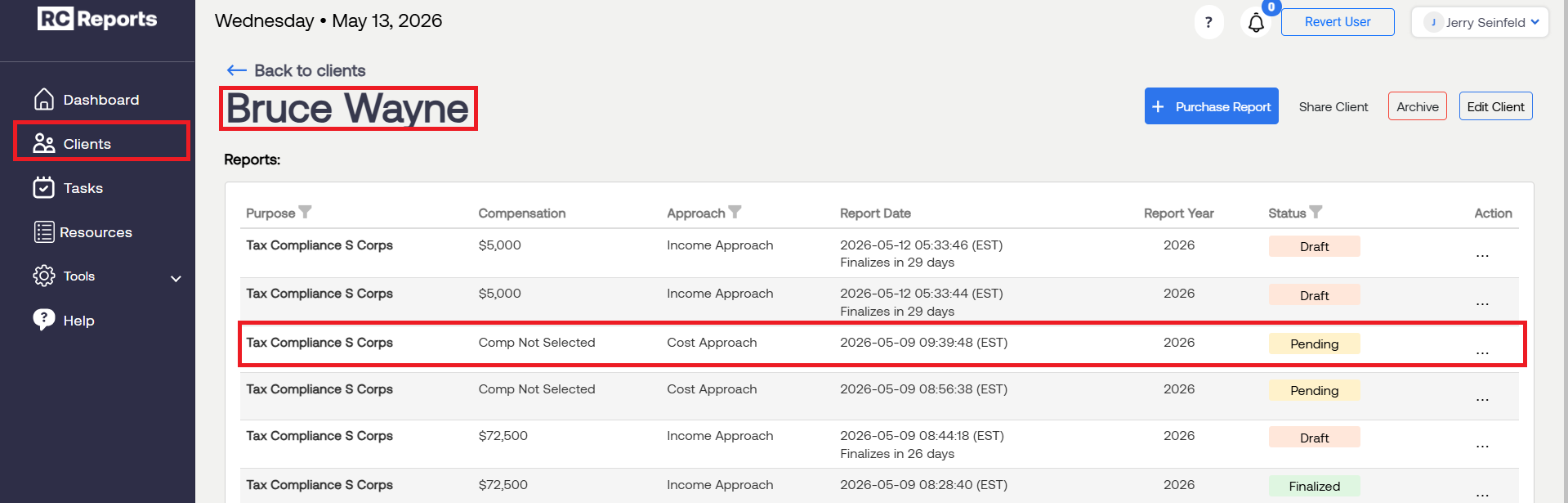
Note: You'll notice that there is no visual timer, but behind the scenes there is a 30-day window for the client interview to be performed before the report gets returned to your account.
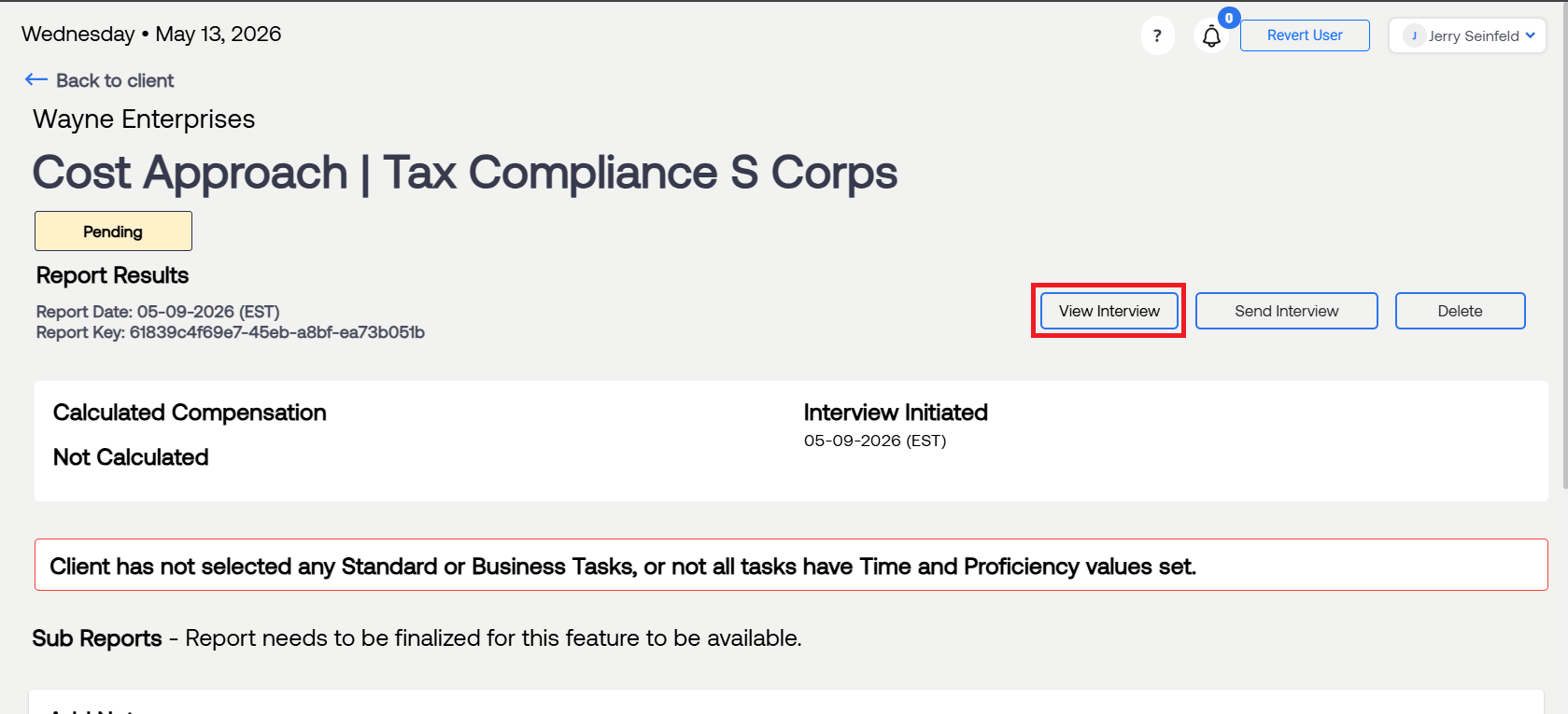
To extend this window, open the client interview by selecting View Interview. This will automatically start a new 7-day timer on the client interview.
For questions or concerns, contact RCReports at 720-279-8800 or support@rcreports.com